
Googly Eyes
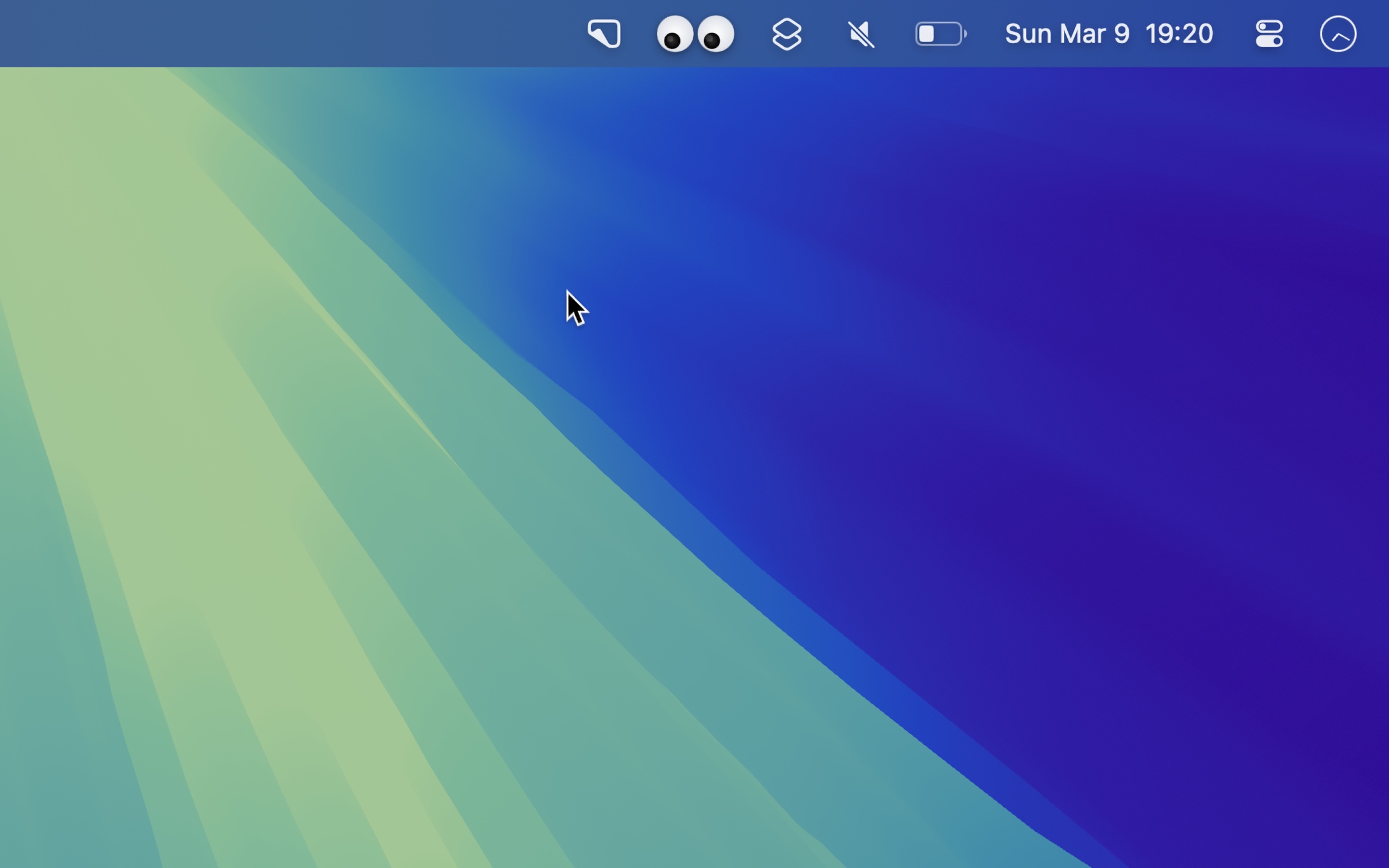
Watchful eyes in your menu bar
Add playful eyes to your menu bar that follow your cursor and blink when you click. Pure whimsy! 👀

Free · Available on macOS
Recent Reviews
Cooooooooooooooooooooooooooool
It is funny and cool.not too distracting I love it
MOST USEFULL APP EVER
Without this I never would have been able to follow my curser always, this app has so many great functions to it. 10/10 would recommend.
Fun but useful
A brilliant and fun way to find that pesky pointer. Everyone who sees it on my computer wants to get it.
good app
why are they all watching me. i did nothing wrong. it was an accident. why are they watching me? why are they always watching?
Frequently Asked Questions
I have a feature request, bug report, or some feedback
Click the feedback button in the app or send it here.
Why is it using a lot of CPU?
The app is optimized as much as possible, but macOS is inefficient at updating menu bar items. Also, make sure you know how to interpret CPU usage.
Does it support multiple screens?
Partly.
The eyes follow your cursor across displays. However, menu bar items on inactive secondary displays are just static macOS clones, so those eyes cannot track independently.
The real eyes live on the display with the active menu bar. macOS only makes another display active when you click something on it, for example a window or the desktop. Moving the pointer there is not enough. So when you move the pointer to another display, the eyes there stay frozen until you click on that display.
This is a macOS limitation and cannot be worked around. There is no supported way for an app to change which display has the active menu bar.
Why is this free without ads?
I just enjoy making apps. Consider leaving a nice review on the App Store.
Older Versions
- 1.1.4 for macOS 15+
Non-App Store Version
A special version for users that cannot access the App Store. It won’t receive automatic updates. I will update it here once a year.
Download (1.2.0 · macOS 26+)
Get Googly Eyes
Watchful eyes in your menu bar
Free