Gifski
Convert videos to high-quality GIFs
Turn a video into a GIF that still looks like the video. Gifski uses thousands of colors per frame, so gradients stay smooth instead of turning into bands.

FreeRequires macOS 26 or laterSince 2018No personal data collected
Scan with your phone to open this page
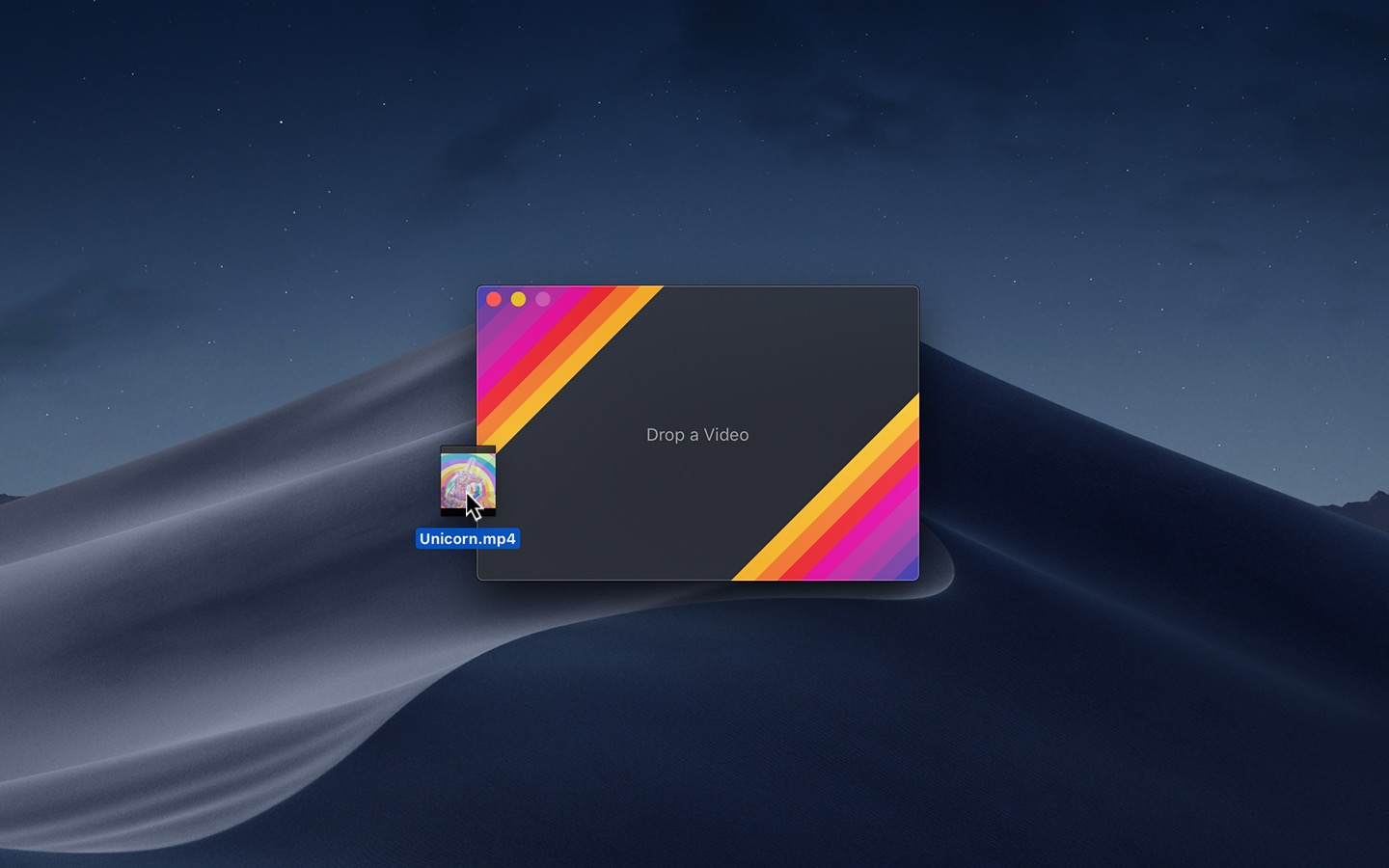
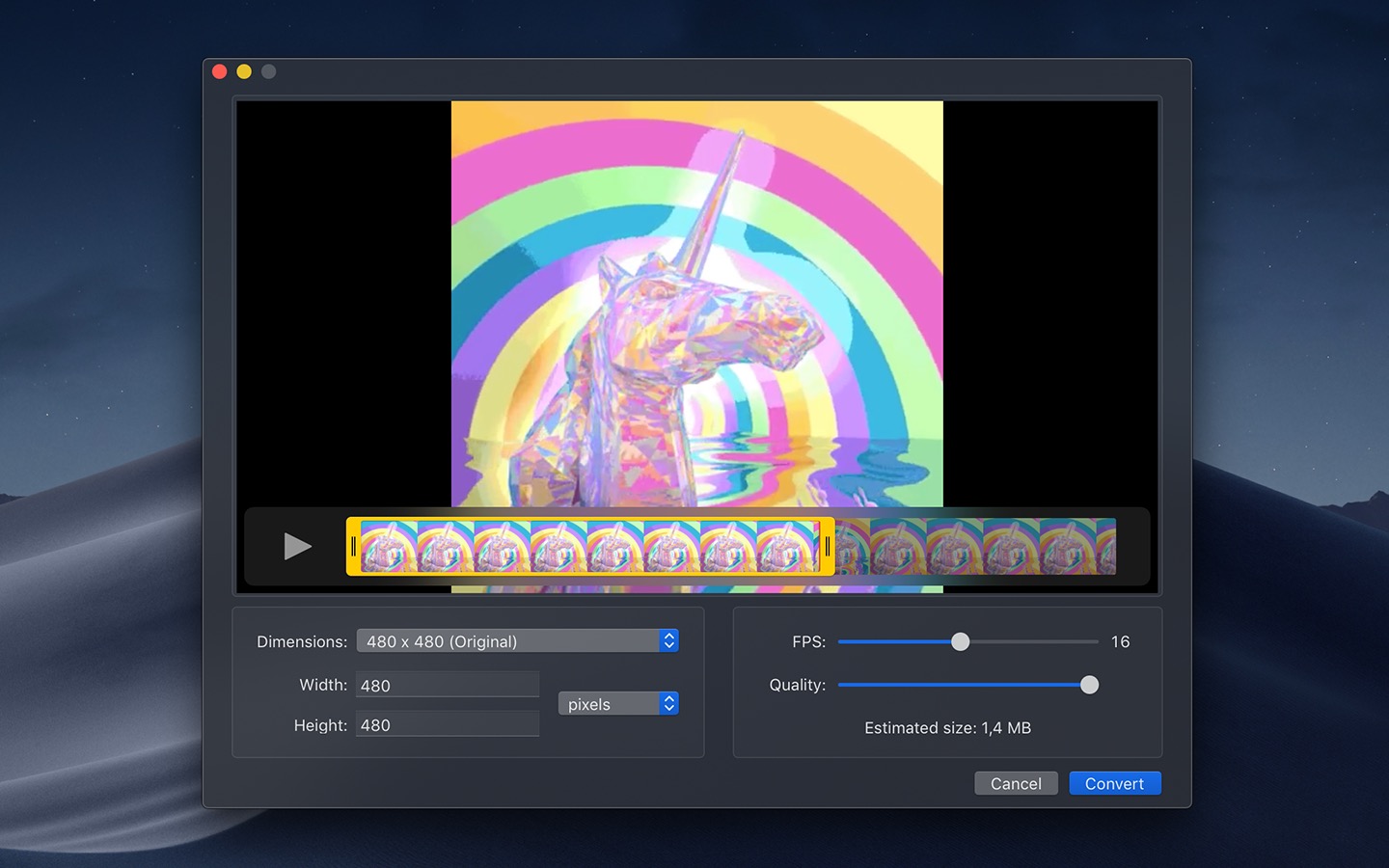
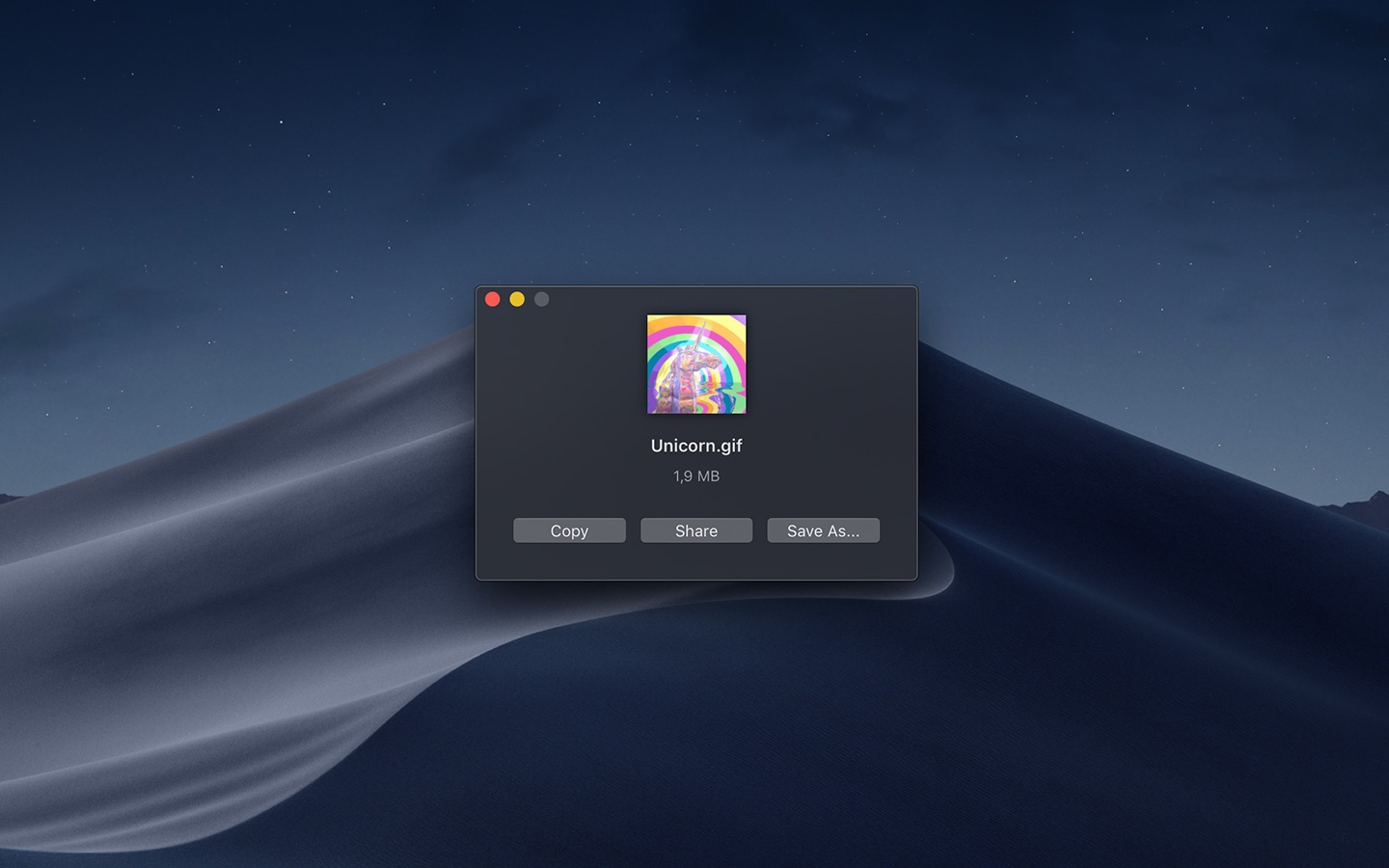
Just drag and drop a video file into the app, adjust the start and end points, and you have a GIF. The app supports multiple video formats, it has a clean interface, and it’s simple to use.
Gifski solves a problem I have run into for years by making GIF creation feel effortless instead of tedious. It strips away unnecessary complexity and focuses on doing one thing very well.
It’s a macOS app for the gifski encoder, which uses pngquant’s fancy features for efficient cross-frame palettes and temporal dithering.
Features
- Trim and crop the video, and set the exact dimensions
- Change the speed and the frame rate, up to 50 FPS
- Loop the GIF, bounce it back and forth, or add a delay between the loops
- See a preview before you convert
- Make smaller GIFs with the quality slider
- Convert video to GIF from the Share menu, the Services menu, or the Shortcuts app
It converts the video formats that macOS supports, like MP4 and MOV with H.264, HEVC, or ProRes.
If you don’t have a video, you can try the app out with this one.
Recent Reviews, all with five stars
Killer app!
I was just about to install the terminal script but the desktop app is awesome!
Great app!
I use it constantly, it’s an awesome app that works really well. One improvement would be if I could specify a custom speed for a clip, ie: 1.2x, rather than the static 1/1.5/2/2.5 etc speeds. But that’s a minor thing 😅
Does what you need it to
Just what I was looking for. Lets you crop, adjust frame rate, it’s incredibly handy and easy to use.
Perfect tool for GIFS
This is honestly perfect for converting videos into GIFS. The UI is simple and intuitive, load speeds are fast, very happy I found it. Highly recommend.
Older Versions
- 2.23.0 for macOS 13+
- 2.22.3 for macOS 12+
- 2.21.2 for macOS 11+
- 2.20.2 for macOS 10.15+
- 2.16.0 for macOS 10.14+
- 2.4.0 for macOS 10.13+
Non-App Store Version
A special version for users that cannot access the App Store. It won’t receive automatic updates. I will update it here once a year.
Download (3.0.3)
Requires macOS 26 or later
Get Gifski
Convert videos to high-quality GIFs
Free
- Platform
- macOS
- Requires
- macOS 26 or later
- Category
- Photo & Video
- Released
- February 2018
- Privacy
- No personal data collected
- Developer
- Sindre Sorhus