Gifski
Convert videos to high-quality GIFs
Turn a video into a GIF that still looks like the video. Gifski uses thousands of colors per frame, so gradients stay smooth instead of turning into bands.

Free · Available on macOS
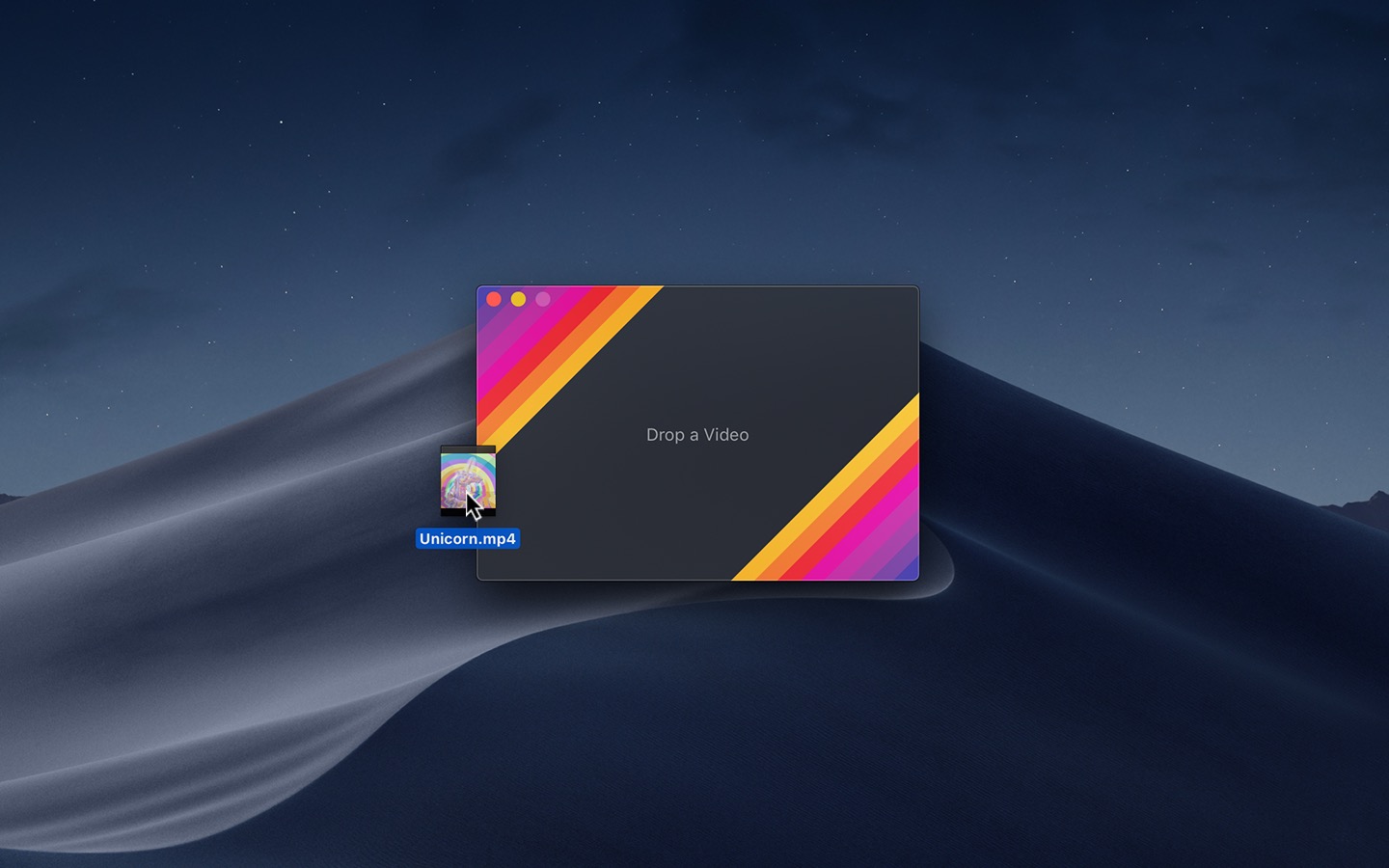
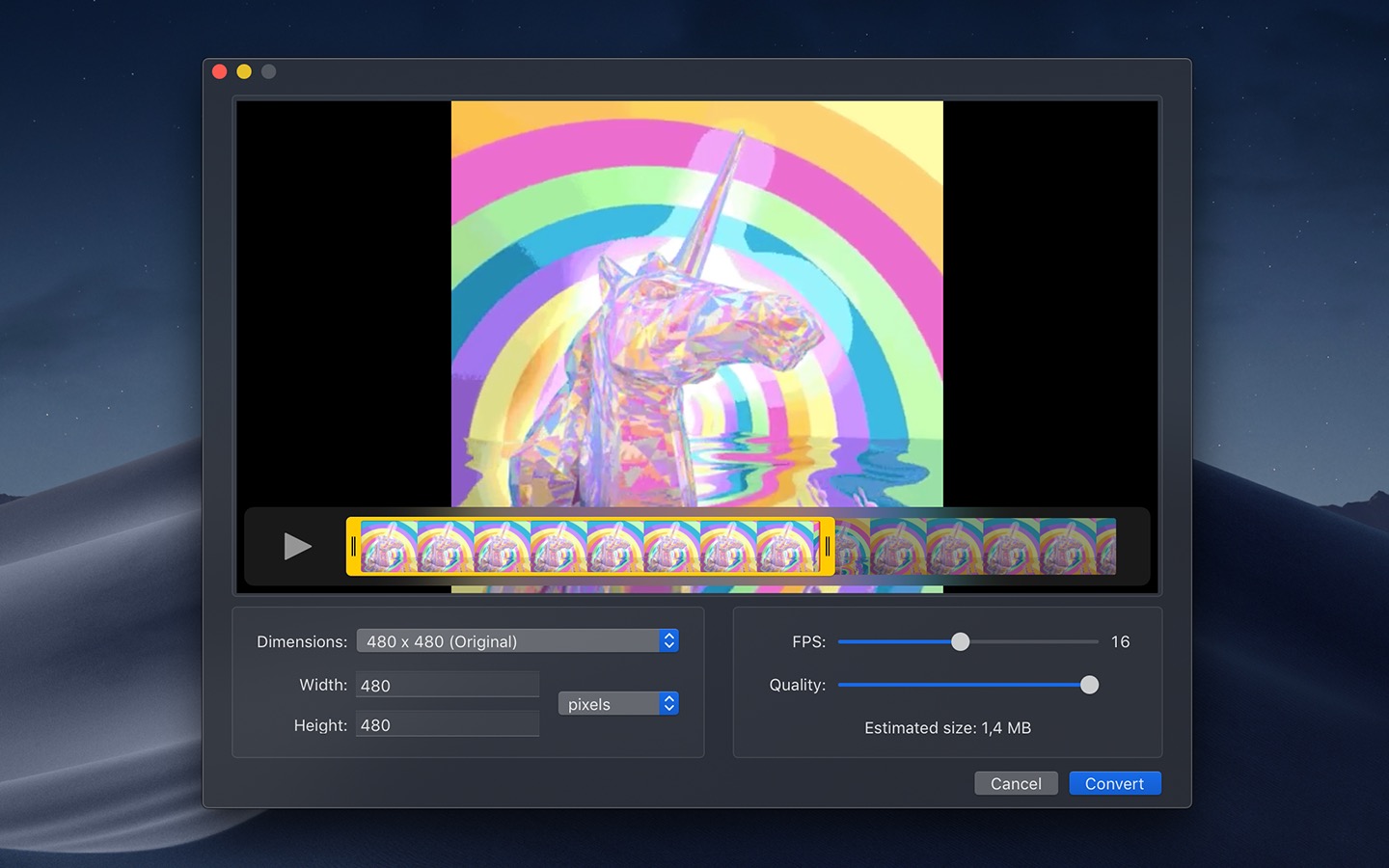
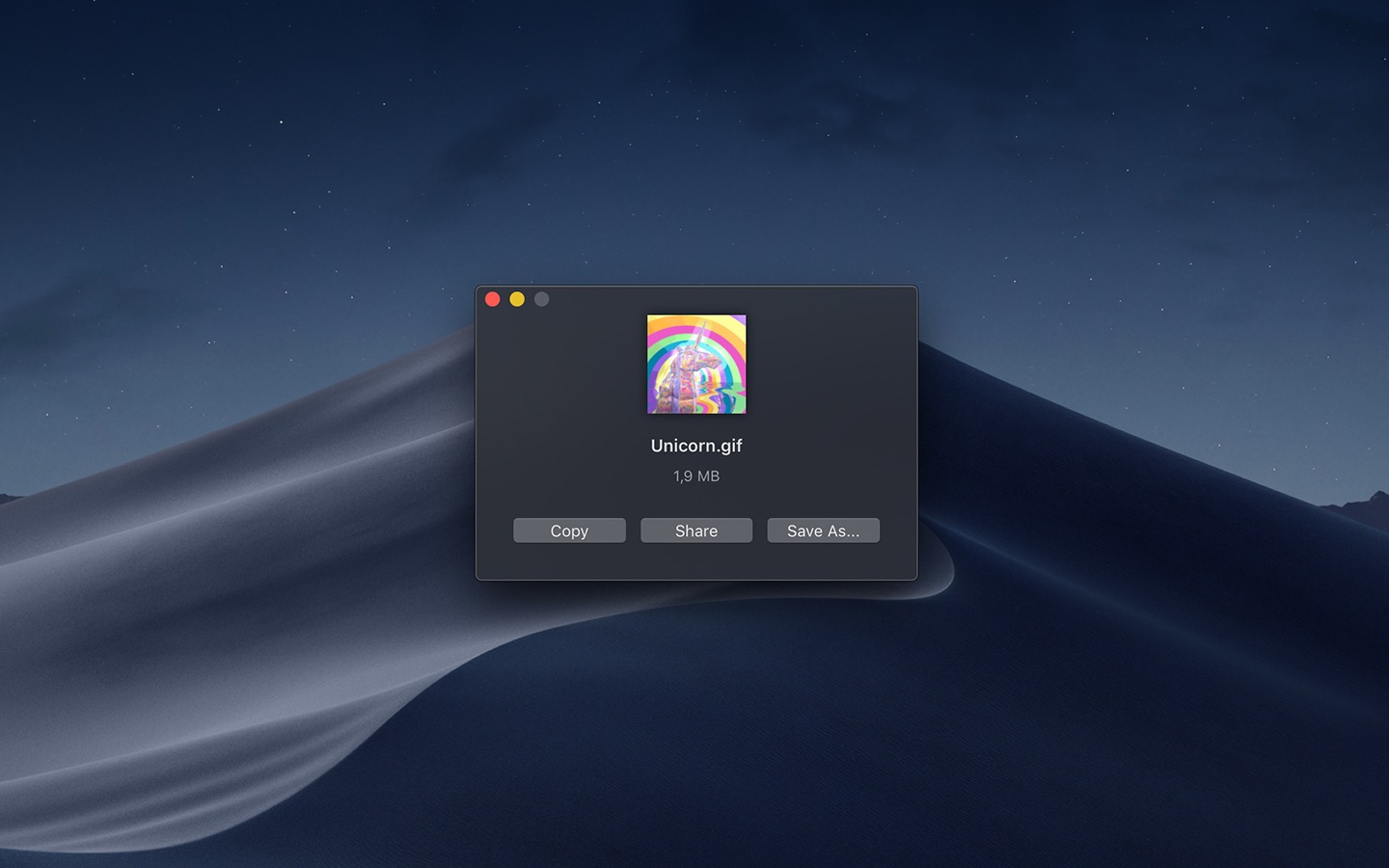
Just drag and drop a video file into the app, adjust the start and end points, and you have a GIF. The app supports multiple video formats, it has a clean interface, and it’s simple to use.
Recent Reviews
Killer app!
I was just about to install the terminal script but the desktop app is awesome!
Does what you need it to
Just what I was looking for. Lets you crop, adjust frame rate, it’s incredibly handy and easy to use.
Fanstatique et simple!
Super simple et intuitif! Fonctionne parfaitement. Une option pour faire des Batch, pour encoder plusieurs videos à la fois serait la bienvenue.
Wonderfully simple
Thank you for sharing this with us!! This is my absolute favorite gif creating app. I’m using this specifically to use gifs on a content creator’s feed and DMs to help grab attention. I’m not using this for making memes or putting text on them.
It’s a macOS app for the gifski encoder, which uses pngquant’s fancy features for efficient cross-frame palettes and temporal dithering.
If you don’t have a video, you can try the app out with this one.
Help test the next major version of Gifski on TestFlight.
Get Gifski
Convert videos to high-quality GIFs
Free