
Online Check
Online status in your menu bar
Check if you are online directly from the menu bar. The menu bar icon turns red when you are offline, and the app can optionally show a notification.

$5, one-time purchaseRequires macOS 26 or laterSince 2024Privacy details
Scan with your phone to open this page
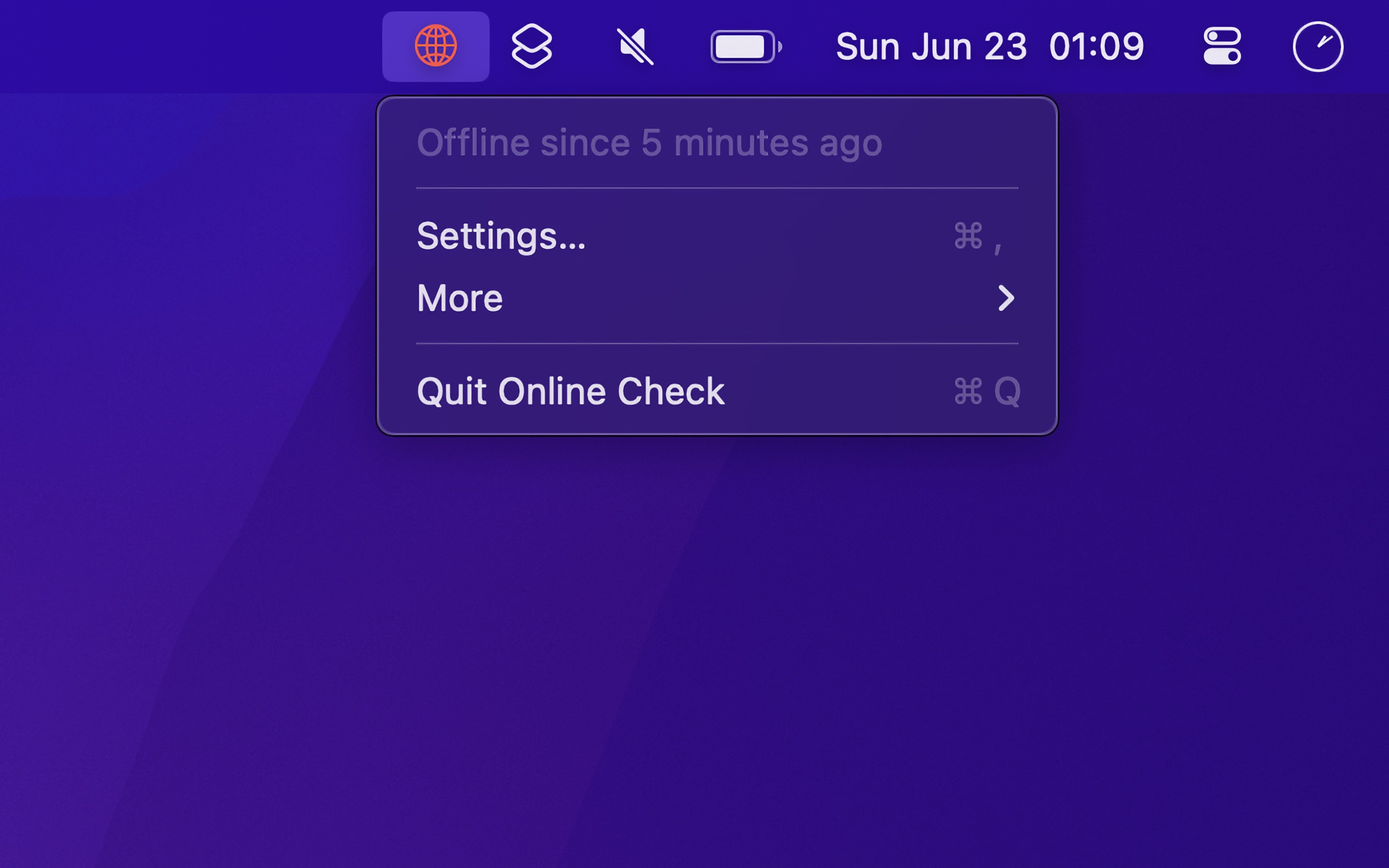
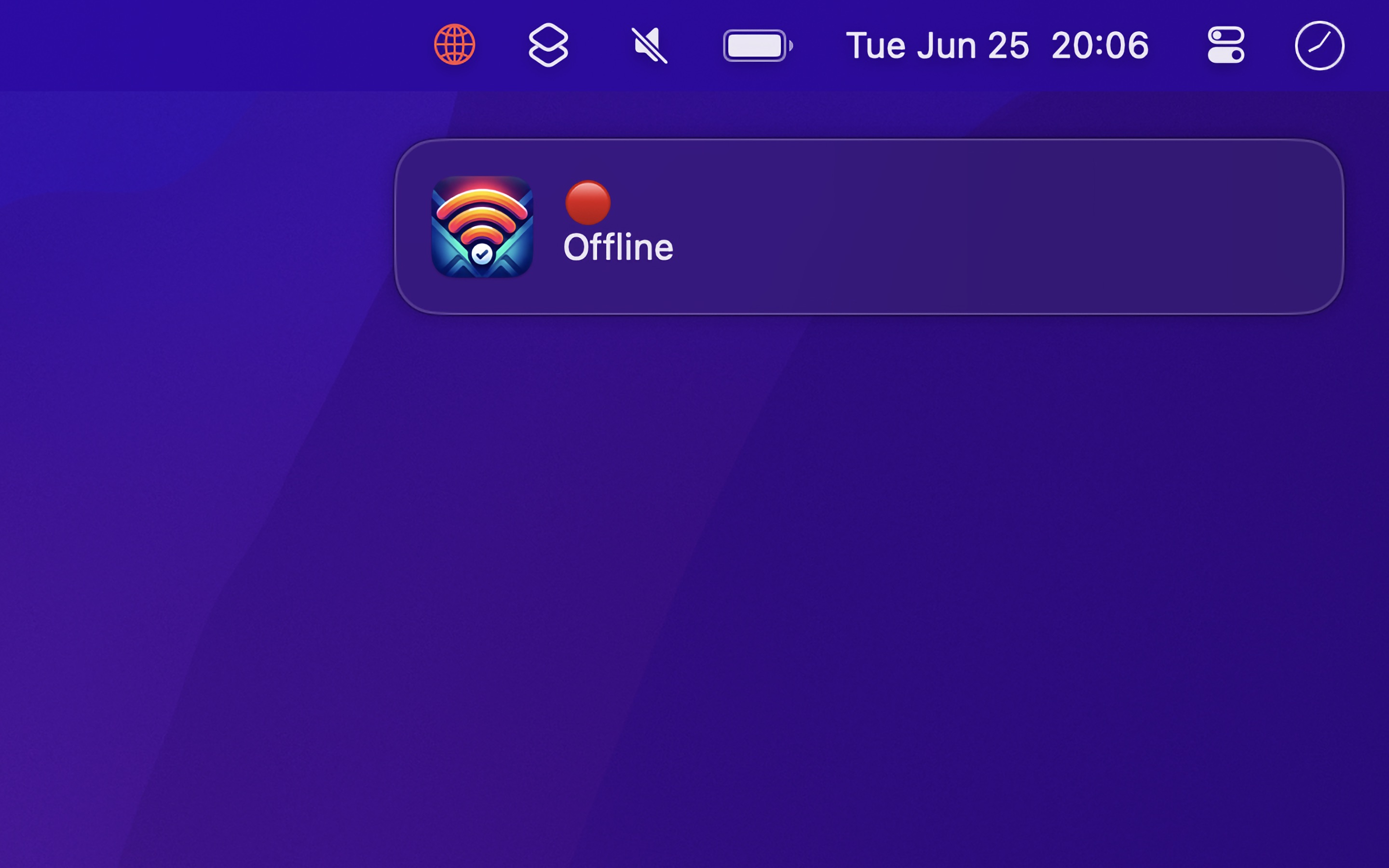
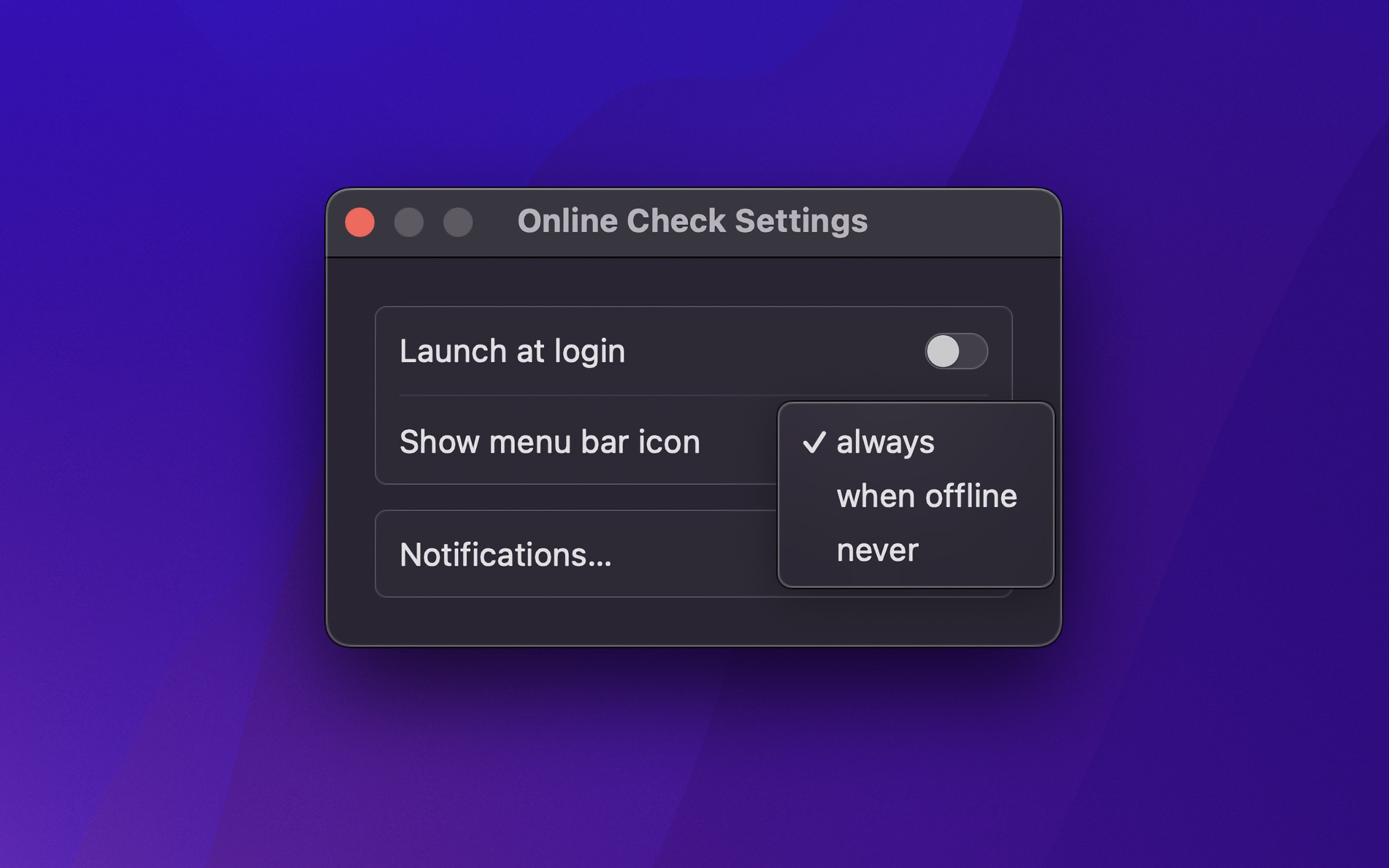
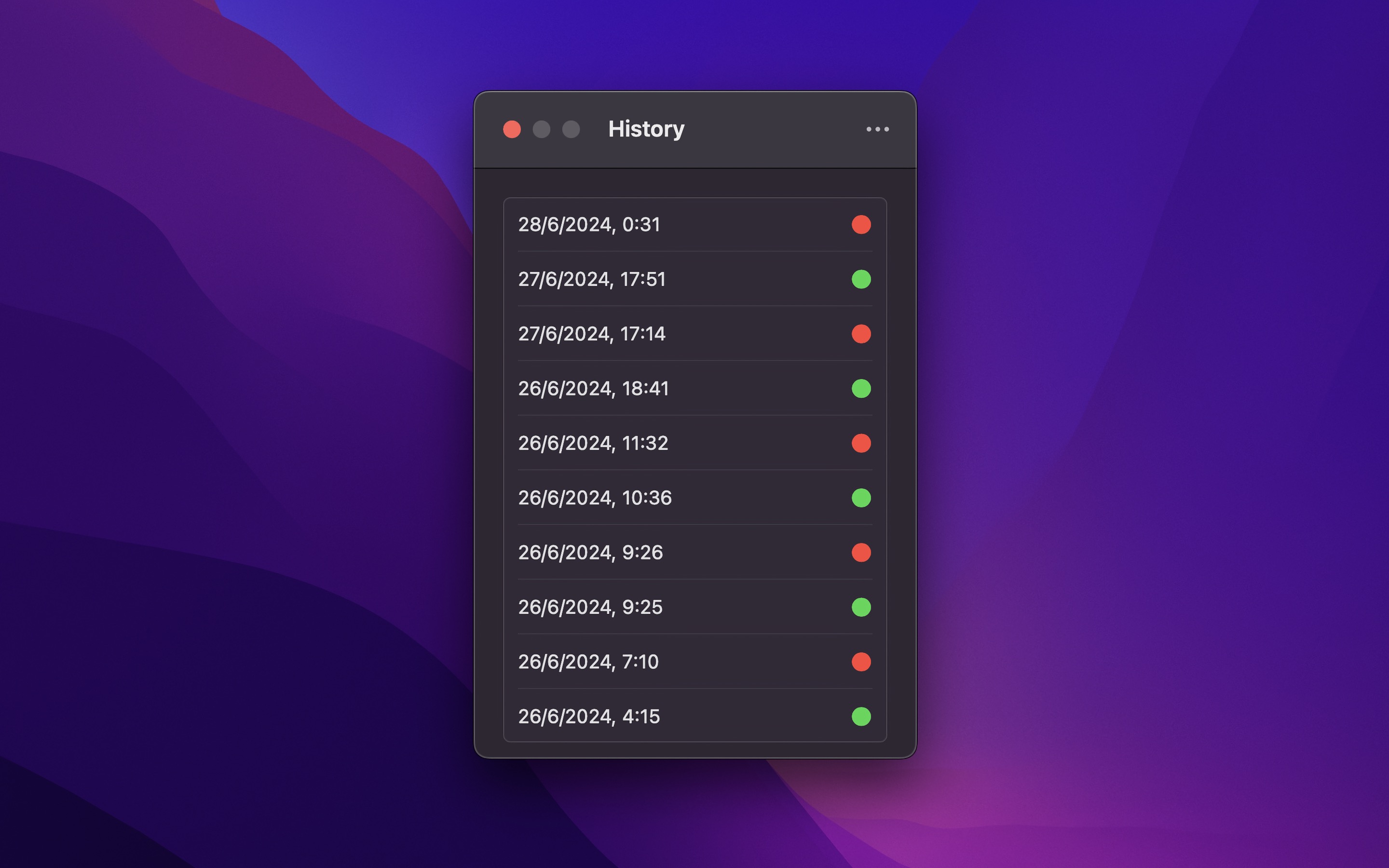
The Online Check mini-app offers a simple way to monitor online status. […] The app aims to indicate a lost connection quickly and reliably by regularly checking the availability of Apple’s and Cloudflare’s servers with ping requests.
Unlike just checking if Wi-Fi is connected, the app verifies actual internet connectivity through network tests.
The app can also show a red border around the screen while you are offline, keep a history of the status changes that you can export as CSV, and run a shortcut when the status changes.
Recent Reviews, all with five stars
Simple and exactly what I needed
My Mac has been having trouble maintaining a wireless connection. This app simply gives me a history of connections and disconnections - perfect for figuring out what’s going on.
Simple excellent
Does one thing but does it so well. You get notified and can see at a glance if you are offline or not, plus you can trigger shortcuts for offline and back online again.
Very useful
I’ve tried a couple of similar apps, but found this to be the best one. Simple, minimal, light on resources, small and just does what it says without bloat. The same developer makes many more apps with the same care, attention and focus.
So simple. So useful.
This is a great, simple app to quickly see if I’m online or offline. I just wish it had an option for a green indicator on the menu bar (instead of the hard-to-see black/grey one). Other than that, I love it!
Tips
Connect to other Wi-Fi when status is offline
You can have the app connect to a different Wi-Fi if the current one becomes offline. Add the shortcut that connects to another Wi-Fi to the Shortcuts app and edit the required information. Then select this shortcut in the “Run shortcut on status change” setting of Online Check.
Restart Wi-Fi when status is offline
You could also restart the Wi-Fi when it becomes offline. Add the shortcut that restarts the Wi-Fi, and select it in the “Run shortcut on status change” setting.
Frequently Asked Questions
I have a feature request, bug report, or some feedback
Click the feedback button in the app or send it here.
How is it different from just checking whether the Wi-Fi is connected?
A Wi-Fi connection only means you are connected to a network. The app verifies internet access by connecting to “captive.apple.com”, “apple.com”, or “cloudflare.com”, ensuring you’re truly online.
The app shows that I’m offline even though I’m not
- Ensure network requests from the app to “captive.apple.com”, “apple.com”, and “cloudflare.com” are not blocked. These domains are used to verify your online status.
How can I run this only when not connected to certain networks?
Create a shortcut in the Shortcuts app to launch and quit this app. Set up a Shortcuts automation with a “Wi-Fi” trigger to run the shortcut based on your Wi-Fi connection status. This allows the app to launch or quit when connecting to or disconnecting from specific Wi-Fi networks.
How does it work?
Anytime the network changes, and every 10 seconds while online (2 seconds while offline), it loads “captive.apple.com”, the page that macOS also uses to detect Wi-Fi login pages. If that fails, it sends a HEAD request to “apple.com”, and then to “cloudflare.com”. If all the requests fail, it considers the internet to be offline. You can change the check intervals in the settings.
Can you make the menu bar icon green when online?
No. Menu bar icons are intended to be mostly monotone, changing color only to indicate critical states. For example, the battery icon turns red when low but stays monochrome when full. Showing green also isn’t that useful as you can assume it’s connected when not red, and having a constant green color there could be distracting.
Older Versions
These are free for everyone but they will not run on newer macOS versions.
Get Online Check
Online status in your menu bar
$5, one-time purchase
- Platform
- macOS
- Requires
- macOS 26 or later
- Category
- Utilities
- Released
- June 2024
- Privacy
- Read the policy
- Developer
- Sindre Sorhus