Back to Bare
Updated
How to Share a Grocery List on iPhone
With Bare
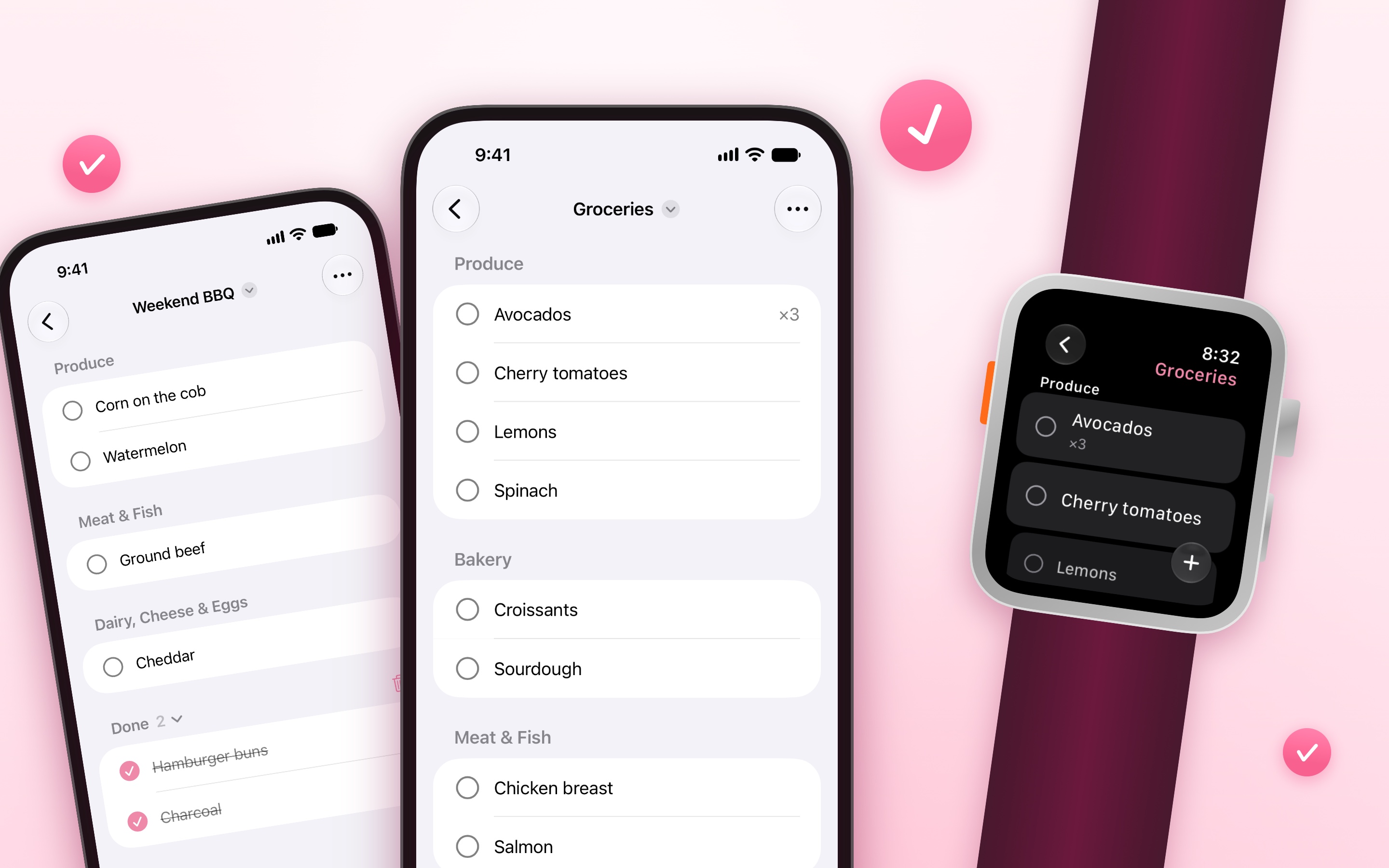
Bare is a shopping list that sorts each item into its store section, like Produce or Dairy, as you add it.
- Open Bare, and open a list.
- Tap the “…” menu, and then “Share List”.
- Send the invitation, like in Messages.
- The other person opens the invitation on a device with Bare, while signed in to iCloud. The list then shows on both devices.
When one of you adds or checks off an item, the other sees it right away. Each list is shared on its own, so you can keep some lists private. With Family Sharing, your family gets the app at no extra cost. More about sharing.
Tips
- Type “2 milk” to add two of an item.
- Make one list for each store, and share only the ones you shop together.
- For someone without an iPhone, use “Send as Text” in the “…” menu. They get the list as text, sorted by section.
Get Bare
Minimal grocery shopping list

$3, one-time purchase for all platforms
- Platforms
- macOS, iOS, watchOS, visionOS
- Requires
- macOS, iOS, watchOS, or visionOS 27 or later
- Category
- Productivity
- Released
- October 2026
- Privacy
- No data collected
- Family Sharing
- Yes
- Updated
- October 2026
- Version
- 1.0.0
- Size
- 25 MB
Without an app
The Reminders app can also keep a shared grocery list, sorted by section (Apple’s guide):
- In Reminders, tap “Add List”, and give the list a name.
- Tap “List Type”, choose “Groceries”, and tap “Done”.
- Open the list, tap the share button, and invite the other people.
It is free, and it is good when you already use Reminders. It is a to-do app, so it also has due dates, alerts, and flags, and you get a notification when someone adds an item, unless you turn it off in “Manage Shared List”.