Updated
How to Check Internet Speed on Mac
With Speediness
- Open Speediness. The test starts automatically.
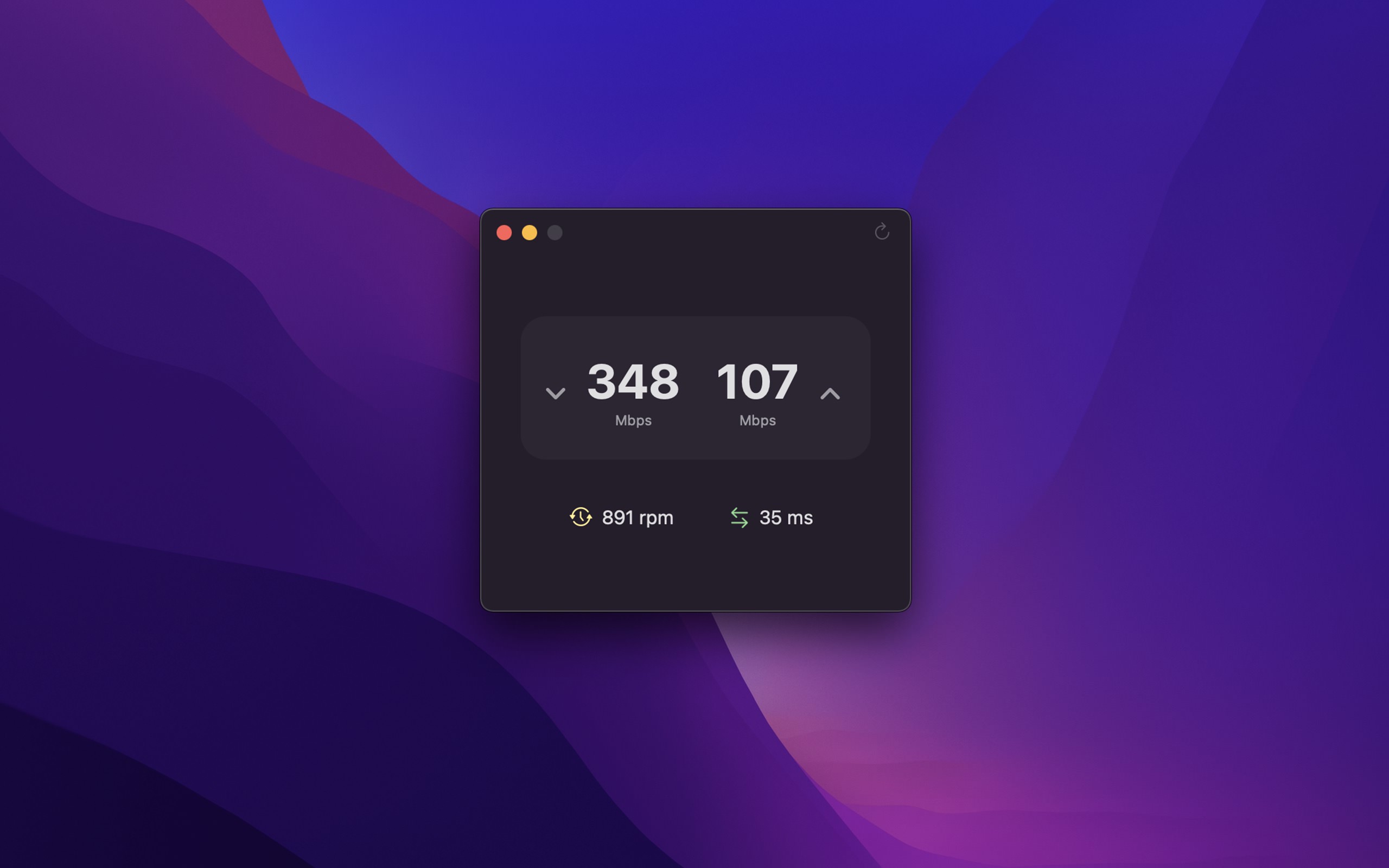
- Wait until the test is done. You then see the download speed, the upload speed, the ping, and the responsiveness in RPM.
- To test again, click “Rerun Test”, or press CommandR.
Tips
- To see the earlier results, click “History”, or press ShiftCommandH. You can export the history as CSV or JSON.
- To copy the result, press ShiftCommandC.
- To see the speed in MB/s and not Mbps, change “Result display unit” in the settings.
- To test from the Shortcuts app, use the “Get Internet Speed” action.
Speediness tests the download and the upload at the same time, as this is more like real use, like a video call. So the speeds can be different from other tools. To test them one after the other, turn on “Run tests sequentially instead of in parallel” in the settings.

Get Speediness
Check your internet speed

Free
- Platform
- macOS
- Requires
- macOS 26 or later
- Category
- Utilities
- Released
- November 2021
- Privacy
- No personal data collected
- Developer
- Sindre Sorhus
Without an app
Terminal: macOS has the networkQuality command, which Speediness also uses. Open the Terminal app, and run:
networkQuality
The test takes some seconds. Then it shows the “Uplink capacity” (upload), the “Downlink capacity” (download), the “Responsiveness”, and the “Idle Latency”. To see more details, add -v. To test the download and the upload one after the other, add -s.
Responsiveness is in round-trips per minute (RPM): the number of times per minute that your Mac can send a request and get the answer, while the connection is busy. The test puts the result in Low, Medium, or High. With a low responsiveness, video calls and games can pause or be unreliable. More about RPM.
Websites: Sites like fast.com and speedtest.net also test your speed in the browser. Their results can be higher, as they use servers near you, or servers that your internet provider can prioritize. How Speediness compares to Speedtest and to fast.com.
The networkQuality command is good enough if you are comfortable with the Terminal. Speediness gives you the same test with one click, a history of your results, and a separate ping test.