Updated
How to Change the Default Email App on Mac
The default email app opens when you click an email link (a mailto: link), like an email address on a website or a “Send Email” button in an app. macOS opens these links in the Mail app by default.
With Mailway
Mailway opens email links in an email app or in webmail, like Gmail, Outlook.com, Fastmail, or Yahoo. It writes the new email in your browser with the recipient, the subject, and the text already filled in.
- Open Mailway. Its settings window opens.
- Click “Set as Default”, and confirm that macOS can use Mailway for email links. Mailway works by being the default email app.
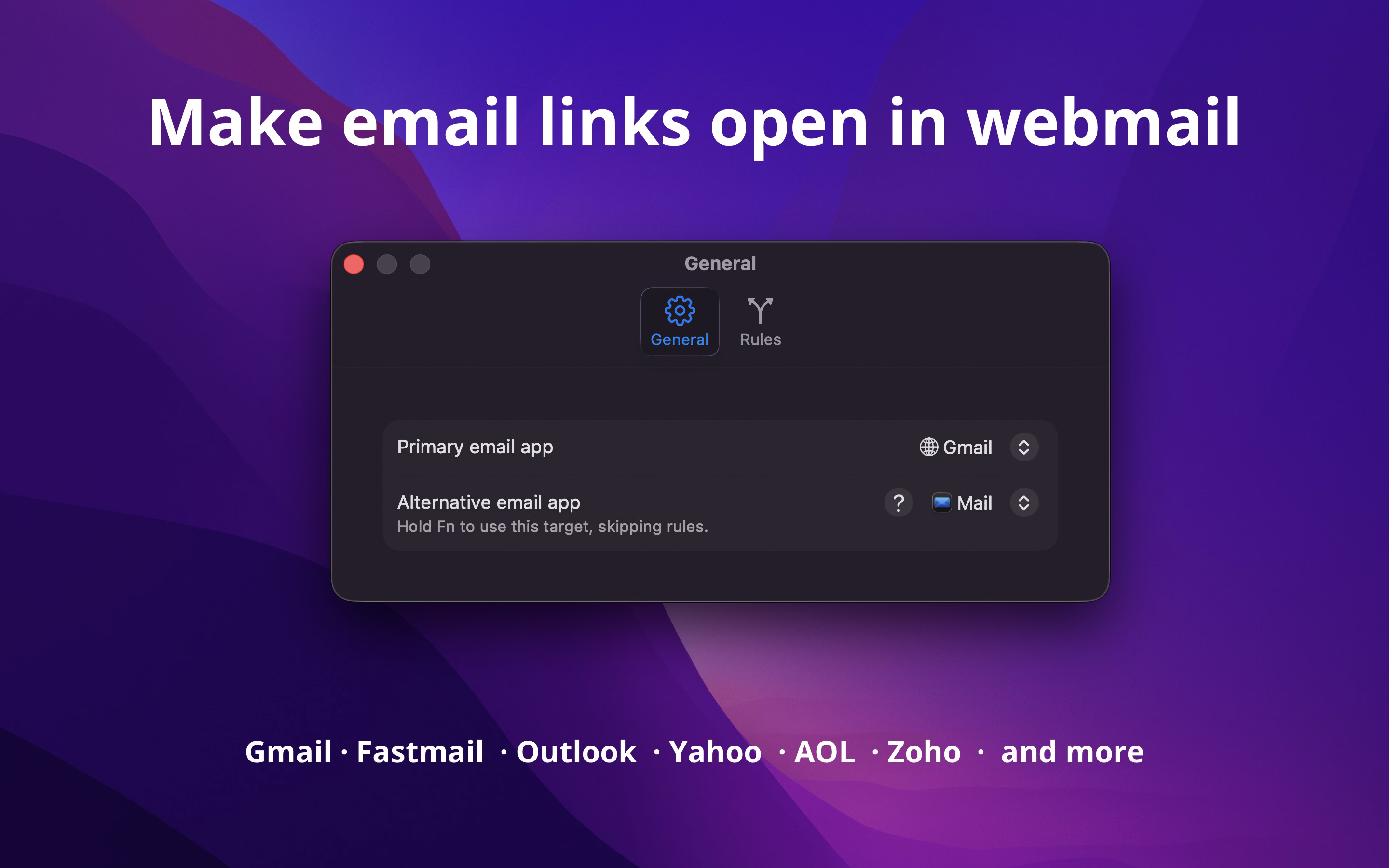
- In “Primary email app”, choose “Gmail” below “Webmail”. Or choose an email app below “Email Apps”.
- Click an email link. A new email opens in Gmail in your browser.
Mailway does not stay open. It opens when you click an email link, sends the link on, and quits.
Tips
- To use another email app for some recipients, like Outlook for the emails to your company, add a rule in the “Rules” tab. A rule can also match the app that you click the link in, like Slack.
- Hold Fn when you click an email link to use the “Alternative email app”.
- For a webmail that is not in the list, choose “Custom URL”, and type the address that writes a new email in your webmail. How to make the URL.
- To copy the email address and not write an email, choose “Copy to Clipboard”.

Get Mailway
Route mailto links to any email app or webmail

$4, one-time purchase
- Platform
- macOS
- Requires
- macOS 26.4 or later
- Category
- Utilities
- Released
- June 2026
- Privacy
- No data collected
- Family Sharing
- Yes
- Updated
- August 2026
- Version
- 1.0.1
- Size
- 5 MB
Without an app
The Mail app has the setting for the default email app. Mail must have an email account before you can change it. You can turn off or remove the account after you change the setting.
- Open the Mail app, and add an email account if it asks for one.
- Choose “Mail › Settings”, and click “General”.
- Choose the email app in “Default email reader”. If the app is not in the menu, choose “Select…”, and find the app.
This is all you need for an email app that is installed on your Mac, like Outlook or Spark.
The menu has only apps, not webmail, and browsers like Safari and Chrome do not register as email apps. So macOS cannot open email links in Gmail without an app. Chrome can open Gmail for the email links that you click in Chrome: open Gmail in Chrome, click the protocol handler icon at the end of the address bar, and choose “Allow”. If the icon does not show, let sites ask in “Settings › Privacy and security › Site settings › Protocol handlers”. This does not change the email links in other apps or browsers. Mailway works with the links in all apps and browsers, and can send each email link to the right email app or webmail.