Back to System Color Picker
Updated
How to Pick a Color from the Screen on Mac
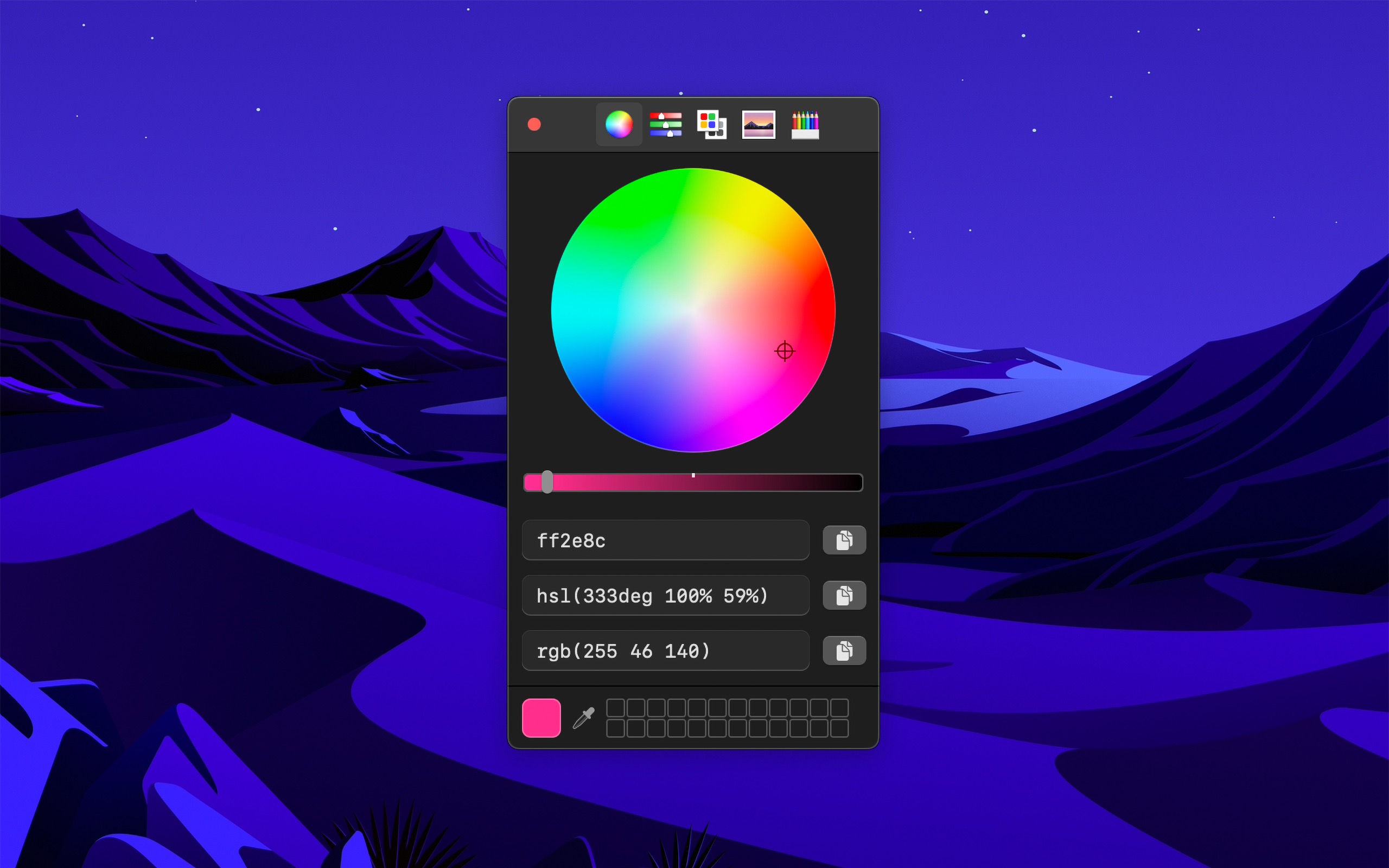
With System Color Picker
- Open System Color Picker.
- Click the eyedropper button, or press CommandP. The color sampler opens.
- Move the sampler to the color, and click.
- Press ShiftCommandH to copy the color as Hex. Or click the copy button next to the format that you want, like HSL, RGB, or OKLCH.
To pick a color without opening the window first, set a keyboard shortcut for “Pick color” in the “Shortcuts” settings. It has no shortcut by default. Then turn on “Copy color in preferred format after picking” in the “General” settings. The app then copies the color each time you pick one. The preferred format is Hex by default, and you can change it in the “Color” settings.
Tips
- Press Space while you use the color sampler to show the RGB values.
- Hold Shift when you click a color to keep the color sampler open, so you can pick more colors.
- Press Option when you copy the Hex color to add or remove the
#. To always add it, turn on “Prefix Hex color with #” in the “Color” settings.

Get System Color Picker
The familiar color picker supercharged

$4, one-time purchase
- Platform
- macOS
- Requires
- macOS 26.4 or later
- Category
- Developer Tools
- Released
- May 2021
- Privacy
- No personal data collected
- Family Sharing
- Yes
- Updated
- November 2026
- Version
- 2.2.4
- Size
- 11 MB
More about System Color Picker
Without an app
Digital Color Meter is in the Utilities folder of Applications. It shows the color of the pixels below the pointer.
- Open Digital Color Meter.
- Choose “View › Display Values › as Hexadecimal”. This works for the RGB color spaces, like “Display in sRGB”.
- Move the pointer to the color. To stop the values from changing when you move the pointer, press CommandL to lock the position.
- Choose “Color › Copy Color as Text”, or press ShiftCommandC.
This is good enough if you only need the Hex or RGB value of a color sometimes. It cannot show or copy other formats, like HSL or OKLCH.