Back to Simple Color Palette
Updated
How to Open an ASE Color Palette on Mac
An ASE file (Adobe Swatch Exchange) is a color palette, like one from Adobe Illustrator, Photoshop, or a palette website like Coolors. macOS has no app that opens it.
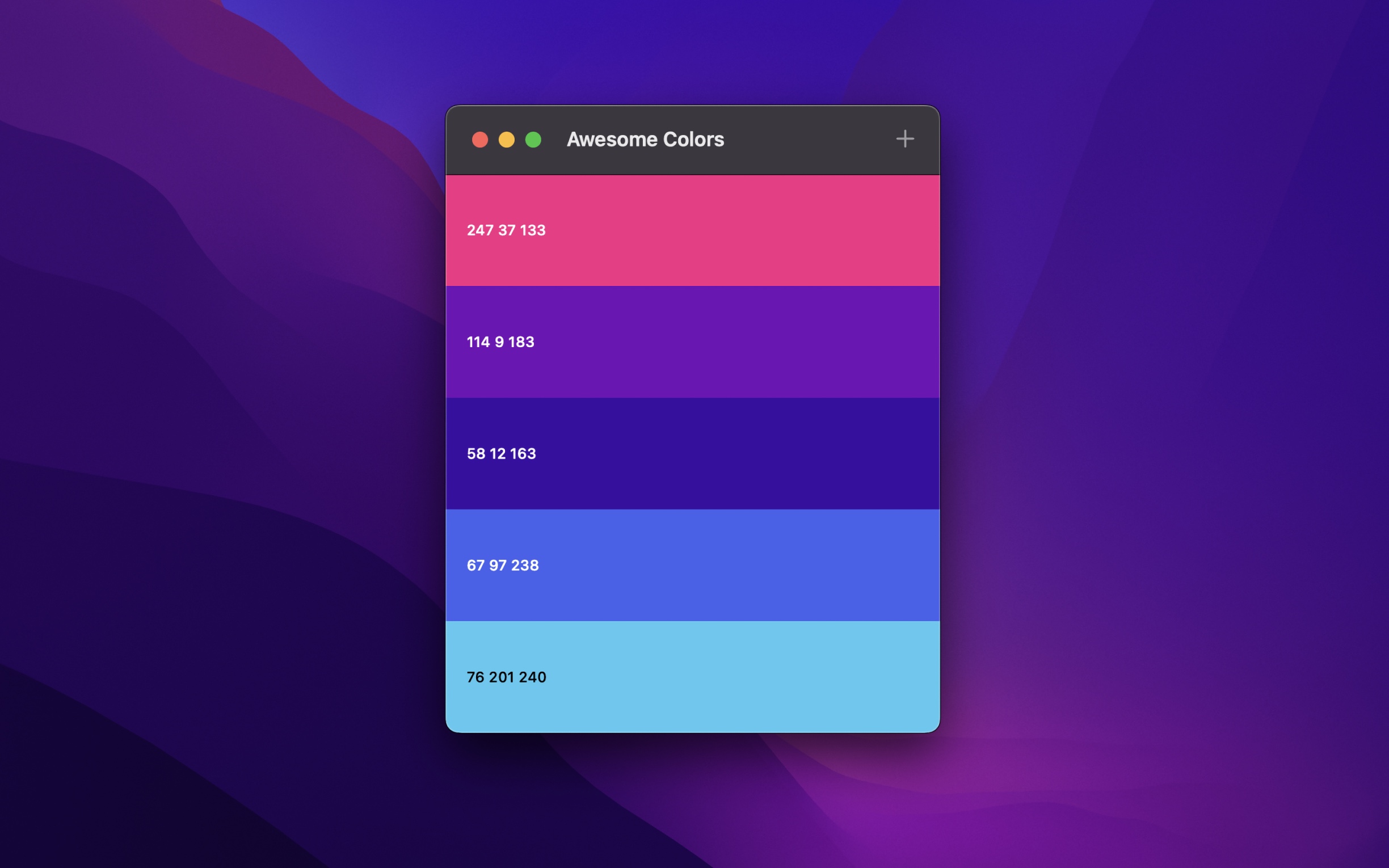
With Simple Color Palette
- Open Simple Color Palette, and choose “File › Import Palettes…”.
- Select one or more
.asefiles. You can also drop the files on the Dock icon of the app instead. - Save the palette. The app converts it to a
.color-palettefile, and opens it. - To copy the value of a color, right-click it, and choose a format below “Copy As…”, like RGB or Hex.
“File › Open” does not show .ase files, as it only opens .color-palette files. Use “Import Palettes…” instead.
Tips
- To add the colors of an
.asefile to a palette that is open, drop the file on the window of the palette. - The app also imports Color List (
.clr) files, the palettes of the macOS color picker. - Press Space on a
.color-palettefile in Finder to see its colors with Quick Look.
Get Simple Color Palette
Create, view, and edit color palettes

Free
- Platforms
- macOS, iOS, visionOS
- Requires
- macOS, iOS, or visionOS 26 or later
- Category
- Graphics & Design
- Released
- April 2025
- Privacy
- No data collected
- Updated
- April 2026
- Version
- 1.3.1
- Size
- 9 MB
More about Simple Color Palette
Without an app
macOS cannot open ASE files. If you have an Adobe app, like Illustrator or Photoshop, you can load the file in its Swatches panel.