Updated
How to Use ChatGPT in Shortcuts on iPhone and Mac
With AI Actions
- Get an API key on the OpenAI platform. A ChatGPT Plus plan does not include API access, so you pay OpenAI for what you use.
- Open AI Actions, open “Settings”, and paste the key in “OpenAI API Key”.
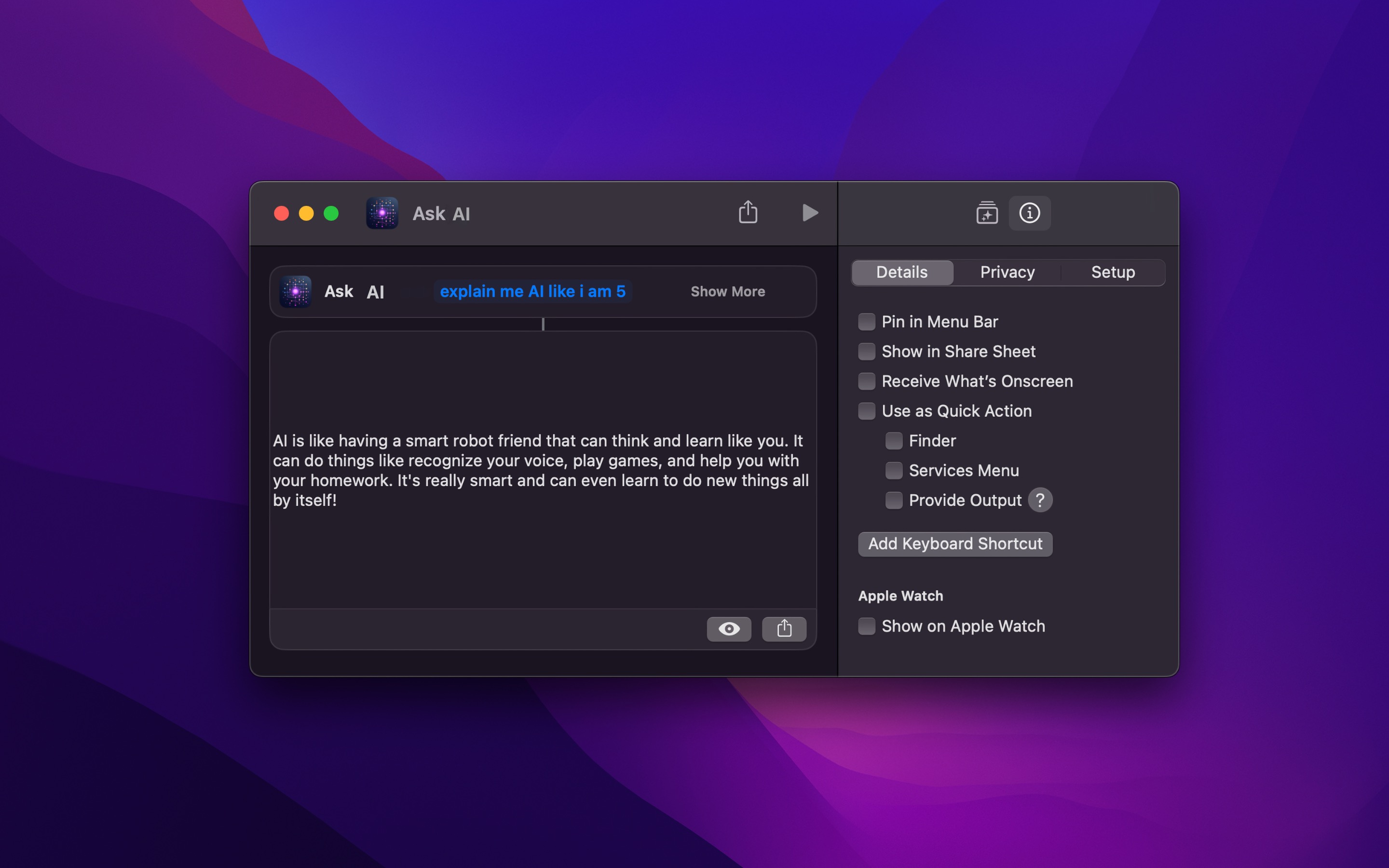
- In the Shortcuts app, make a new shortcut, and add the “Ask AI” action.
- Type your prompt, or insert a variable, like the text that the shortcut gets. Expand the action to choose the model and add a system prompt.
- Run the shortcut. The reply of the AI is the output of the action, which the next action can use.
AI Actions is free, and stores your API key in the keychain, not in the shortcut, so you can share your shortcuts. It also has “Ask Claude” for Anthropic, and works with Ollama, Groq, and other services. If the actions do not show in Shortcuts, restart your device.
The ChatGPT app also has an “Ask ChatGPT” action, but it needs the ChatGPT app and its account. How AI Actions is different.
Get AI Actions
AI actions for the Shortcuts app

Free
- Platforms
- macOS, iOS, visionOS
- Requires
- macOS, iOS, or visionOS 27 or later
- Category
- Utilities
- Released
- September 2023
- Privacy
- Read the policy
- Updated
- October 2026
- Version
- 1.5.2
- Size
- 8 MB
- US App Store rating
- 4.6/5 (27 ratings)
Without an app
On iOS 26 and macOS 26 or later, with Apple Intelligence (the names of the models below are from iOS 27 and macOS 27):
- In the Shortcuts app, make a new shortcut.
- Add the “Use Model” action, and choose “Extension Model” to use ChatGPT. “On-Device”, “Cloud”, and “Cloud Pro” use the models of Apple.
- Type your prompt in the text field below “Use Model”, and run the shortcut.
“Use Model” is free, but it needs a device that supports Apple Intelligence, like iPhone 15 Pro or later, and Apple Intelligence is not in all languages or regions. If it does what you need, use it. AI Actions is for other devices, other models, and more options.