AI Actions
AI actions for the Shortcuts app
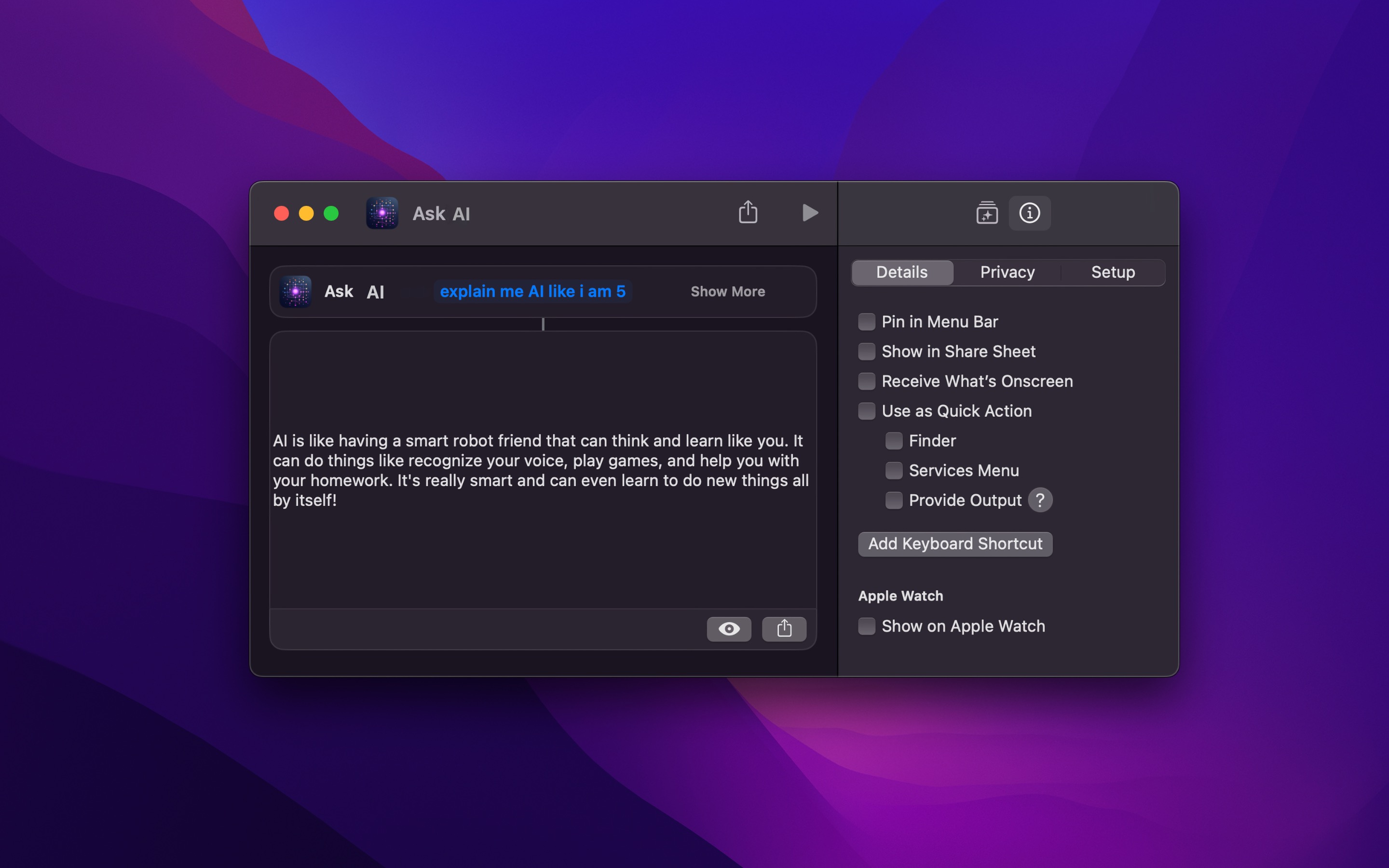
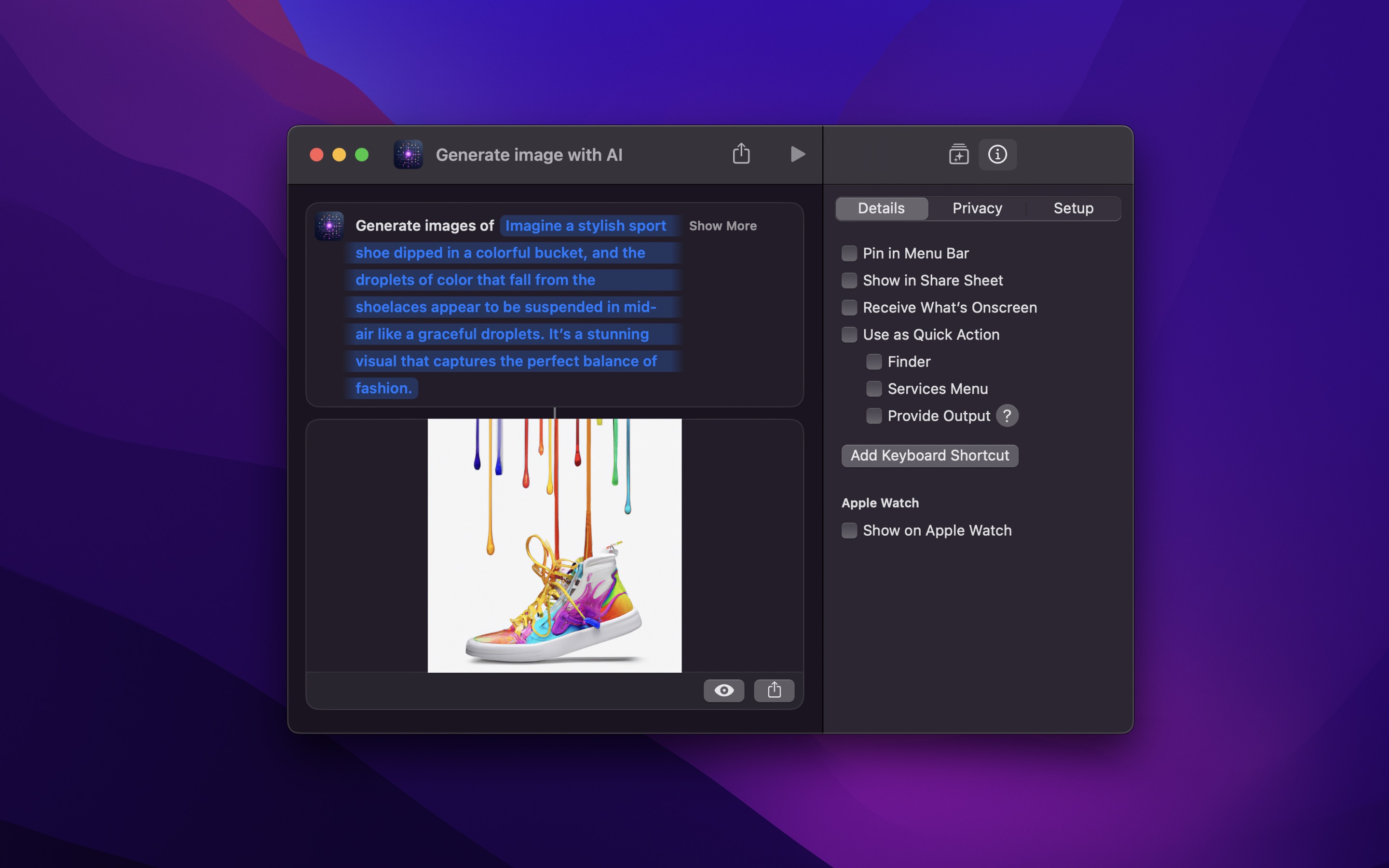
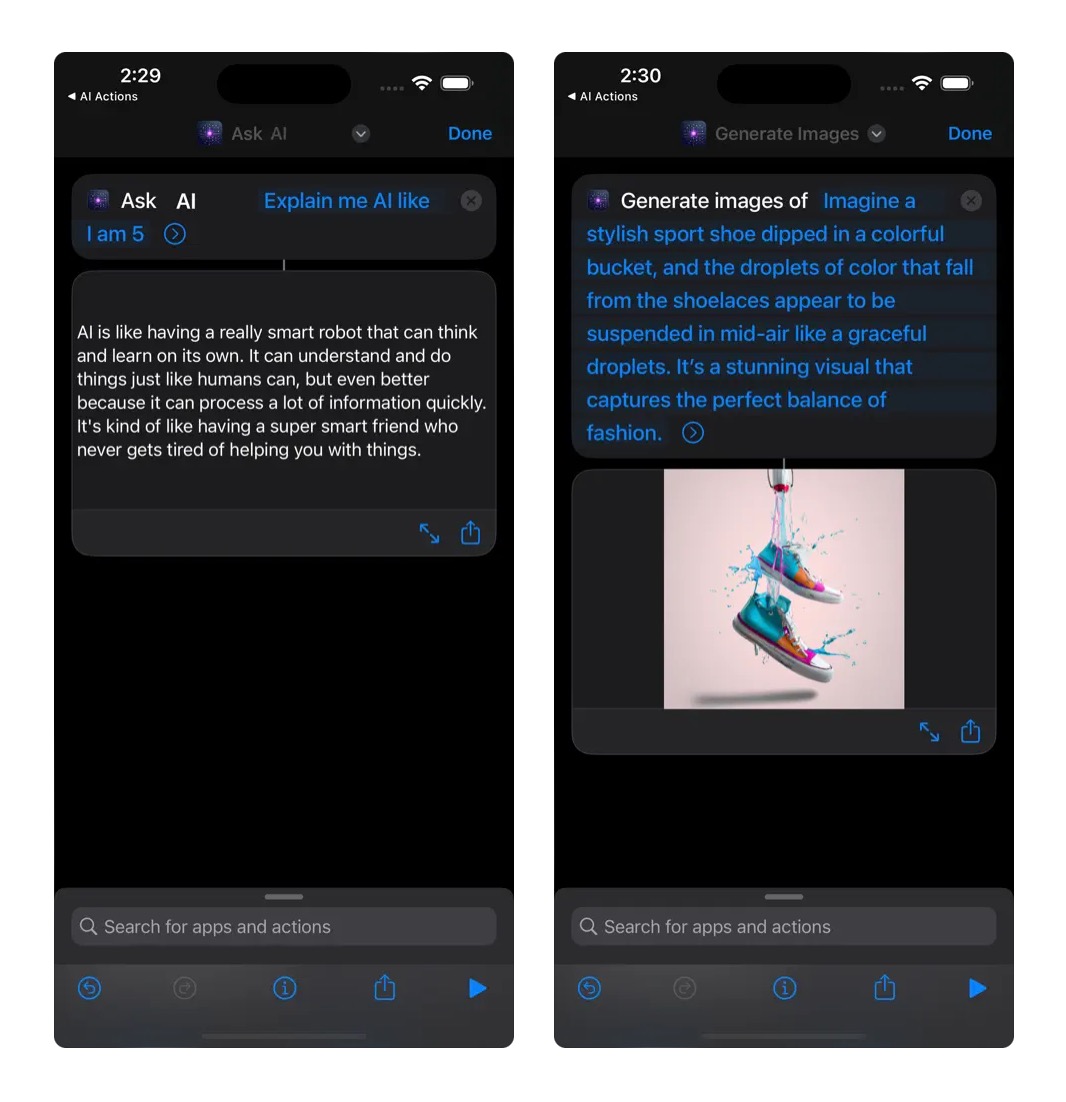
The app provides additional AI-related actions (GPT, Claude Sonnet/Opus, etc.) for the Shortcuts app.

Free · Available on macOS, iOS, visionOS
Recent Reviews
A very good app.
It simplifies many processes, allowing everyone to easily configure AI features in Shortcuts. I really like it! Thanks to the author.
Great, but please app support for Gemini
Amazing app, highly recommend. Would be great if you could add support for Gemini API.
Use LLM APIs directly in Shortcuts
Much easier than using “Run Shell Script” in your Shortcuts to access ChatGPT, et al. AI Actions provides direct access to ChatGPT and Anthropic APIs (and ChatGPT-compatible APIs such as Ollama, Grok, and Gemini). Also supports submitting images and PDFs. Fantastic!
💛
Thank you for providing such a great program🤗
For example, an action to interact with the ChatGPT API.
NOTE
The app requires you to specify your own OpenAI / Anthropic API key. Note that ChatGPT Plus or an Anthropic paid account does not give you free API access.
Your API key is securely stored in your keychain, not in a shortcut.
It also supports many more models through Ollama and Groq.
NOTE
The macOS version on the App Store requires an Apple silicon Mac. For Intel Macs, use the non-App Store version. (This is because Apple only accepted the iOS version and not the macOS version, so on macOS, the iOS version of the app is used, which only runs on Apple silicon Macs)
TIP
You may also like my Actions app.
Tips
Ollama and Groq support
The app also supports Ollama (local models like GGUF) and Groq (because they have OpenAI API compatibility), making it possible to use it with a lot more models.
The app sends requests to the base URL with /v1/chat/completions appended. For example, https://openrouter.ai/api becomes https://openrouter.ai/api/v1/chat/completions. If the server uses a custom port, include it in the base URL (e.g., https://my-server:8080).
For Ollama, set the “Base URL” to http://localhost:11434 (or the network address of your Ollama instance). Since Ollama doesn’t require authentication, just enter any text (e.g., ollama) as the OpenAI API key. In the “Ask AI” action, select the “Custom” model and provide the name of the desired model (e.g., “llama3”).
For Groq, specify https://api.groq.com/openai. In the “Ask AI” action, select the “Custom” model and provide the name of the desired model.
For OpenRouter, specify https://openrouter.ai/api.
For llama.cpp, specify the server address with its port (e.g., http://localhost:8080).
For Open WebUI, specify the address of your instance with /api appended (e.g., https://my-server/api), and use an Open WebUI API key as the API key.
For Gemini, specify https://generativelanguage.googleapis.com/v1beta/openai/. In the “Ask AI” action, select the “Custom” model and provide the name of the desired model.
Frequently Asked Questions
I have a feature request, bug report, or some feedback
Click the feedback button in the app or send it here.
The actions do not show up in the Shortcuts app
This is an iOS/macOS bug. Launch the app once and then restart your device. If that doesn’t work, try this.
Why are these actions not just part of your Actions app?
Apple prevents any app that includes AI-related functionality from being available in China. I didn’t want the Actions app to be unavailable in China just because of one action.
How is this better than the “Ask ChatGPT” action provided by the official ChatGPT app?
This one works on macOS too, supports longer text, has customizability options for power-users, and will support more AI APIs in the future.
How is this better than just calling the OpenAI API directly from Shortcuts?
This makes it simpler, but more importantly, it stores your API key securely in the keychain. This means you can share your shortcuts with others without exposing your API key. The API key is not stored in the shortcut.
Can you support the OpenAI Whisper API?
No, the Whisper API isn’t suitable for this app due to Shortcuts’ 30-second limit on third-party actions on iOS, making long transcriptions impossible. Instead, use my app Aiko. It runs Whisper locally on your device and supports Shortcuts by performing transcriptions in the foreground, bypassing the time constraint (on macOS, it runs in the background).
Can you add built-in support for the Google Gemini API?
No. I don’t want to keep adding more providers, and I especially don’t want to take on Google-specific APIs and auth quirks. More providers means a larger API surface, more edge-cases, and more maintenance.
Workaround: Gemini already offers an OpenAI-compatible endpoint, which this app supports. Set the Base URL to https://generativelanguage.googleapis.com/v1beta/openai/, then choose “Custom” and enter the Gemini model name. You can also use an OpenAI-compatible proxy like OpenRouter if you prefer one unified endpoint.
Why is this free without ads?
I just enjoy making apps. Consider leaving a nice review on the App Store.
Older Versions
Non-App Store Version
A special version for users that cannot access the App Store. It won’t receive automatic updates. I will update it here once a year.
Download (1.5.2)
Requires macOS 27 or later
Get AI Actions
AI actions for the Shortcuts app
Free