
DS_Store Inspector
Inspect .DS_Store files
Available on macOS
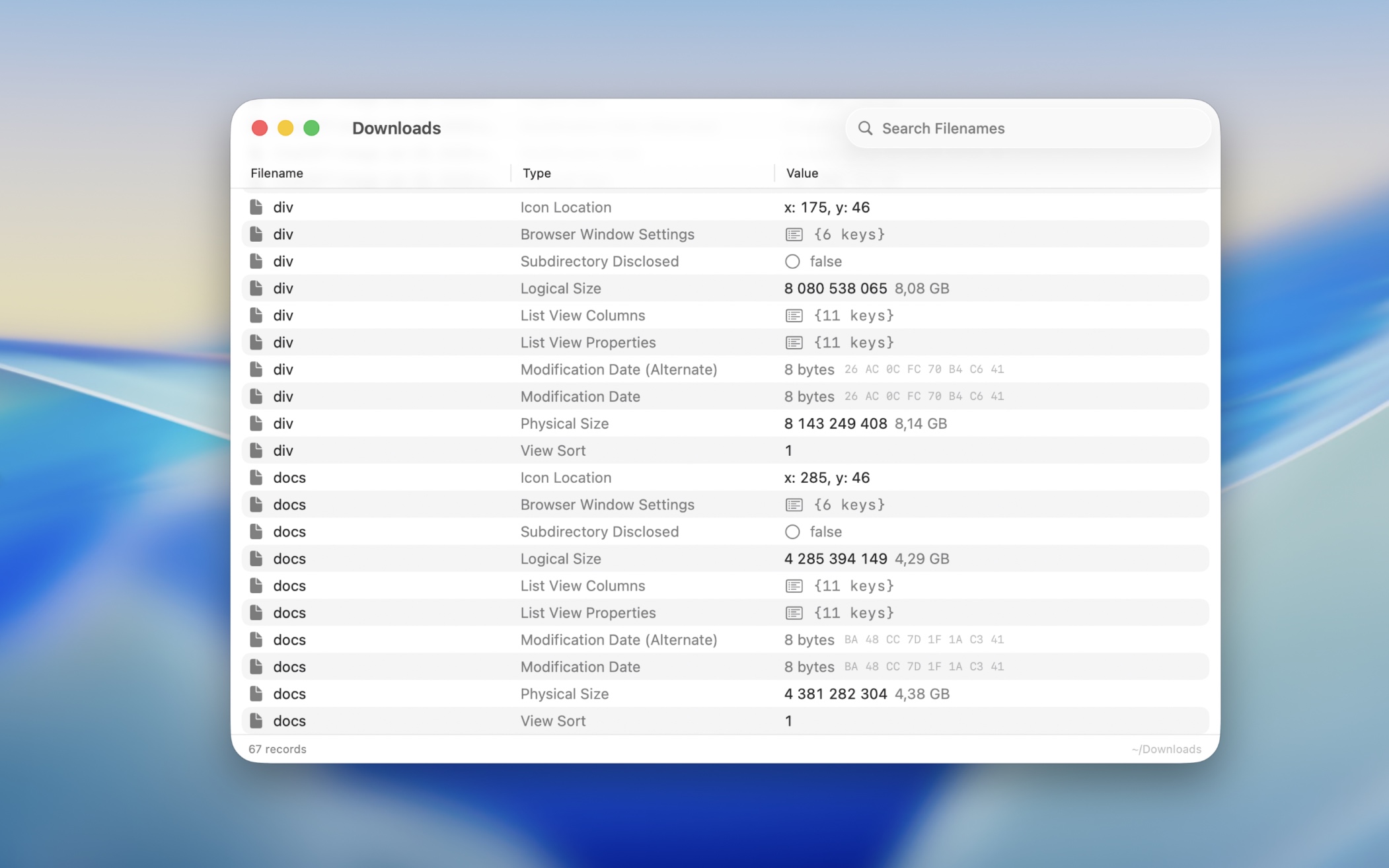
A read-only viewer for Finder metadata stored in .DS_Store files.
.DS_Store (Desktop Services Store) files are hidden files macOS creates in every folder you open in Finder. They store folder-specific view preferences like icon positions, window size, and sorting options.
Frequently Asked Questions
I have a feature request, bug report, or some feedback
Click the feedback button in the app or send it here.
Why would I want to inspect a .DS_Store file?
To understand and debug how Finder presents a folder: sorting, view mode, window size, icon positions, and other hidden state. This is especially useful when investigating odd Finder behavior, auditing metadata left behind in shared folders, repositories, ZIP archives, installers, and designed DMGs, where the .DS_Store controls the exact visual layout users see (icon placement, background, window geometry).
Can I use this to clean or reset Finder settings?
No. This app is an inspector, not a cleaner. Use it to understand what is stored, then decide separately how to handle it.
Why does a .DS_Store file look empty or show little data?
Some folders barely have custom Finder settings, so there’s not much stored. Also, certain records only appear after you change view options (icon positions, sort order, window size, etc
Why are some record types cryptic?
The format is undocumented. Many record types were reverse-engineered, and some Finder internals still use opaque identifiers. If you send me the .DS_Store file, I will take a look. Click the the button in the “Help” menu in the app.